


Converting a photograph into a numbered canvas is mostly an exercise in throwing information away. A photo holds millions of colors. A kit holds twenty-four. Everything that makes a conversion good or bad happens in that reduction, and understanding it tells you exactly which of your photographs will work. Making a kit from your own photograph is the paid version of the same idea, with the paint mixed for you.
This is the shortest useful explanation of what happens to your picture.
The three steps
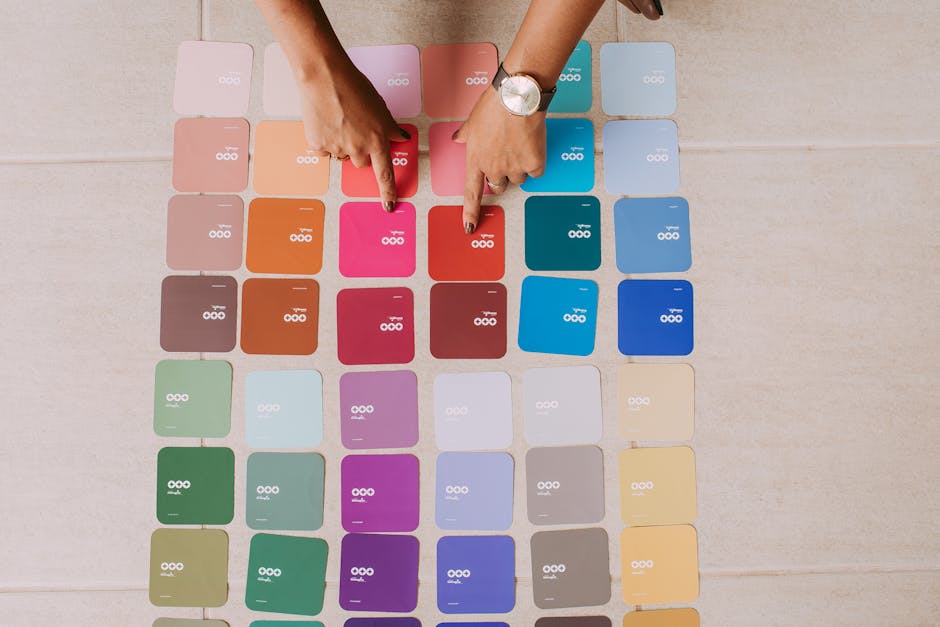
1. Reduce the palette. The software finds a limited set of colors that best represents the image — typically twenty to forty. Every pixel is reassigned to its nearest match. A gradual sunset that shaded smoothly from orange to violet becomes four or five distinct bands.
2. Group into regions. Adjacent pixels of the same color become one paintable section, and sections below a minimum size are absorbed into their neighbors. This step decides whether you get a paintable canvas or four hundred specks.
3. Outline and number. Each region gets a boundary and a number, and a matching paint is mixed for each.
Why this makes some photos work and others fail
Once you know the palette is being cut to two dozen colors, the pattern is obvious:
- Soft even light survives it. Gentle shading has enough separation between tones that reducing them still leaves recognisable form.
- Harsh light does not. Midday sun compresses everything into very bright and very dark, and the reduction turns that into two flat shapes.
- Fine detail disappears. Lace, foliage, whiskers, distant leaves — anything smaller than the minimum region size gets absorbed. It does not become simplified; it becomes absent.
- Low contrast collapses. A dark dog on a dark sofa may reduce to a single region, because there was never enough difference for the palette to separate them.
- Small faces fail. A face needs many small regions to hold its form. If it occupies a tenth of the frame there is not enough room, and the result is a face-shaped blur.
Free online generators versus an actual kit
Free tools do step one and two and hand you a printable outline. That is genuinely useful for seeing whether a photograph converts before committing to anything.
What they do not do is the part that matters: mix real paint to match the palette. You are left matching two dozen screen colors by hand from tubes, which is the hardest thing in painting and precisely what a kit exists to remove. If you are curious about a photo, run it through a free generator to look at the regions. If you want to paint it, that is a different purchase.
Choosing a photo, given all that
- One clear subject, filling much of the frame
- Soft, even daylight — window light or open shade
- Obvious separation between subject and background
- The highest-resolution original you have, not a screenshot or a messaging-app copy
- Cropped by you before sending, so the converter is not deciding what matters
Ledgebay custom canvases are printed in the USA and ship with three brushes.
Common questions
How does a photo become a paint by numbers?
The palette is reduced to twenty or so colors, adjacent same-color pixels are grouped into regions, tiny regions are absorbed into their neighbors, and each region is outlined and numbered.
Why does my photo not convert well?
Usually harsh light, a small subject, or too little contrast between the subject and the background. All three leave the software with nothing to separate.
Are free color-by-number generators any good?
They are a useful preview of how a photo will break into regions. They cannot mix paint to match, which is the part of a kit that makes it paintable.
How many colors will my custom canvas have?
It depends on the photograph. A simple, well-lit subject produces fewer, larger regions. A busy one produces many small ones and takes considerably longer to paint.


